
Getting Started with Taxlink
Follow these steps to register and set up your Taxlink account. It takes a few minutes, and you can try every module free for 7 days.
Step 1: Visit the Taxlink website
Go to the Taxlink homepage and start the sign-up.
- Open your web browser
- Go to taxlink.in
- Click the "Sign Up" or "Get Started" button
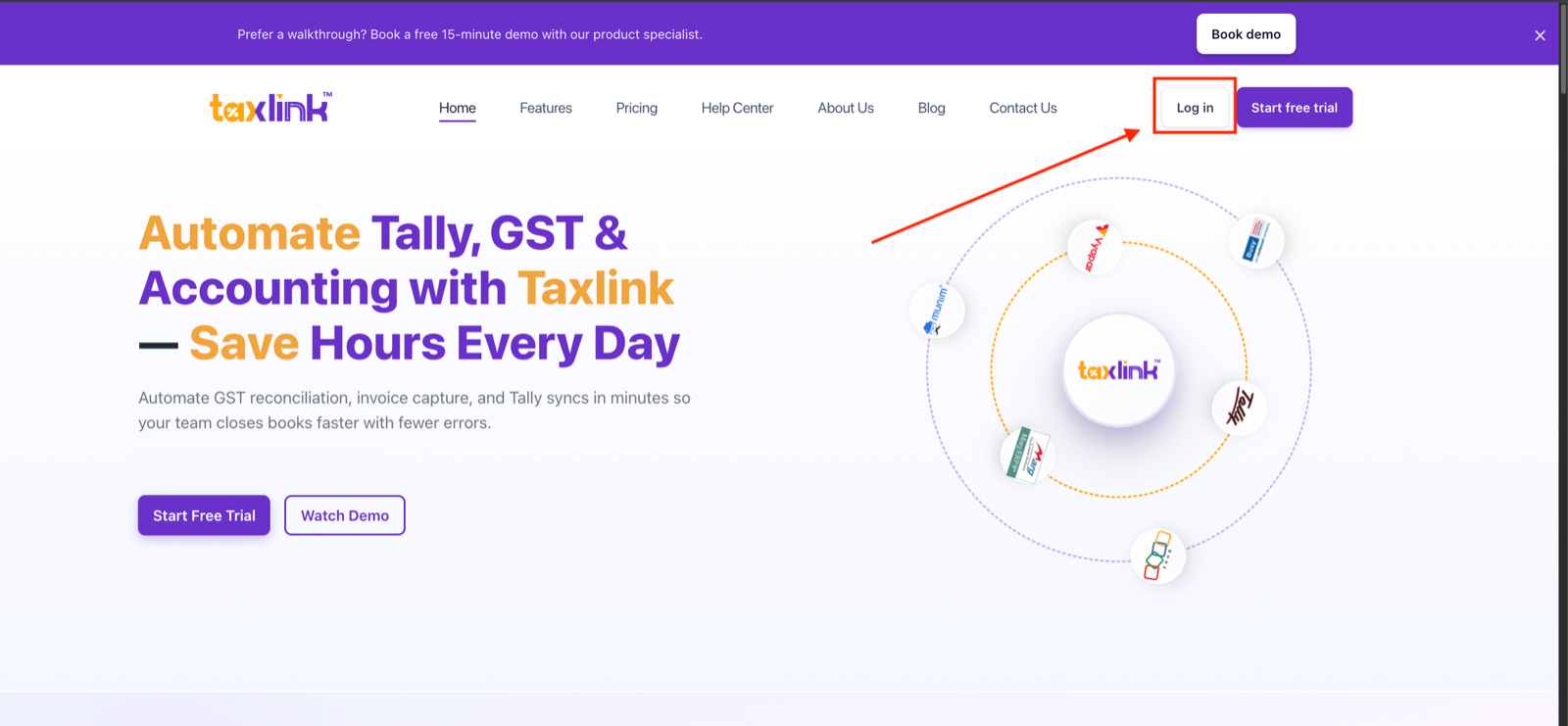
Click the screenshot to open it full size. Step 2: Enter your personal information
Provide your basic personal and contact details to create the account.
- Full name (as per official documents)
- Email address (used to log in)
- Mobile number (used for verification)
- A strong password
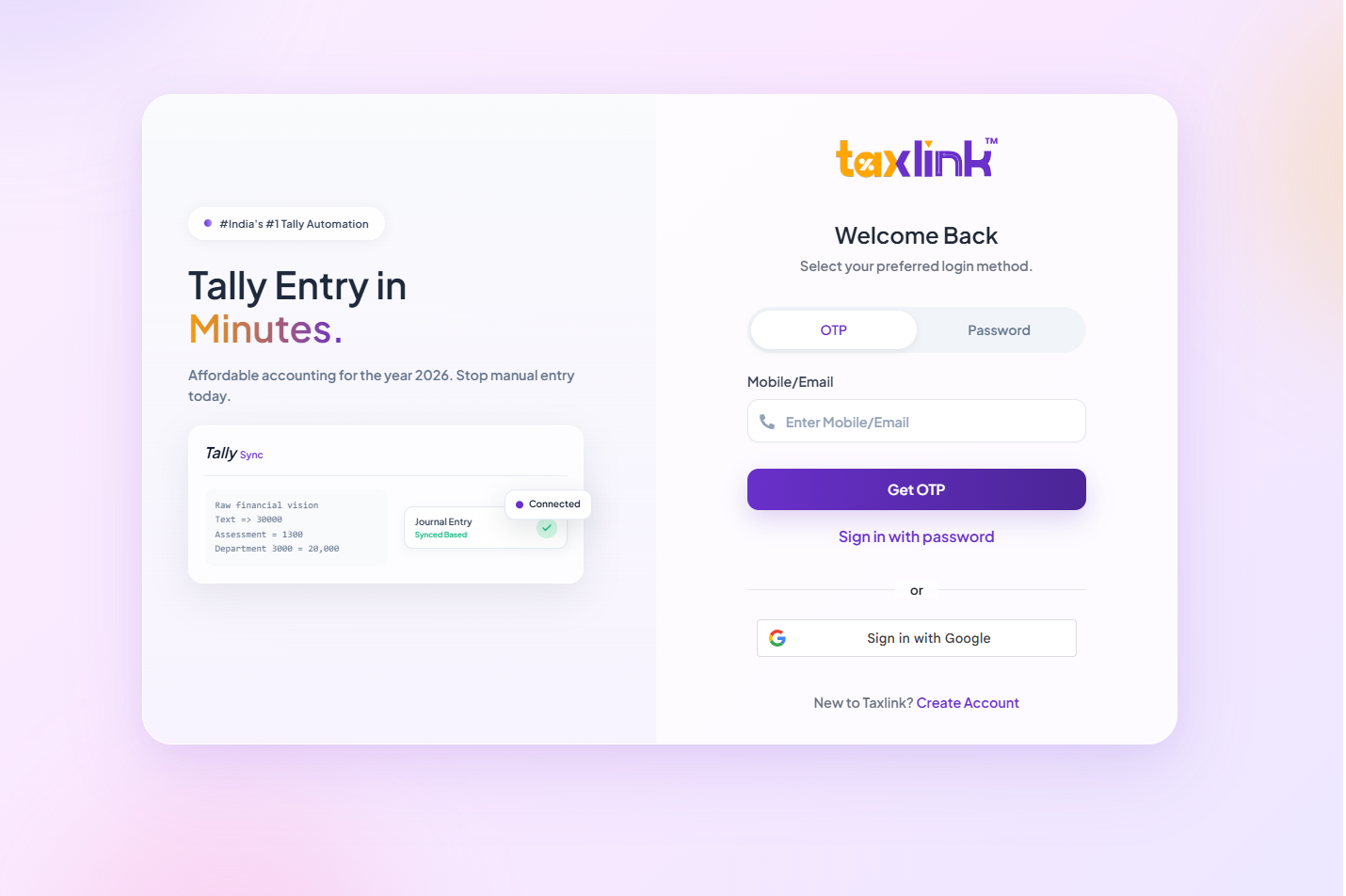
Click the screenshot to open it full size. Next: to send entries to Tally, install the Taxlink Connector on the Windows PC where Tally runs.
Still stuck?
Email support@taxlink.in or call +91 84848 48833 (Monday to Saturday, 9 AM – 6 PM IST).